aMotion control
- 871 kB
- 13. 3. 2026
Smart ventilation control at your fingertips
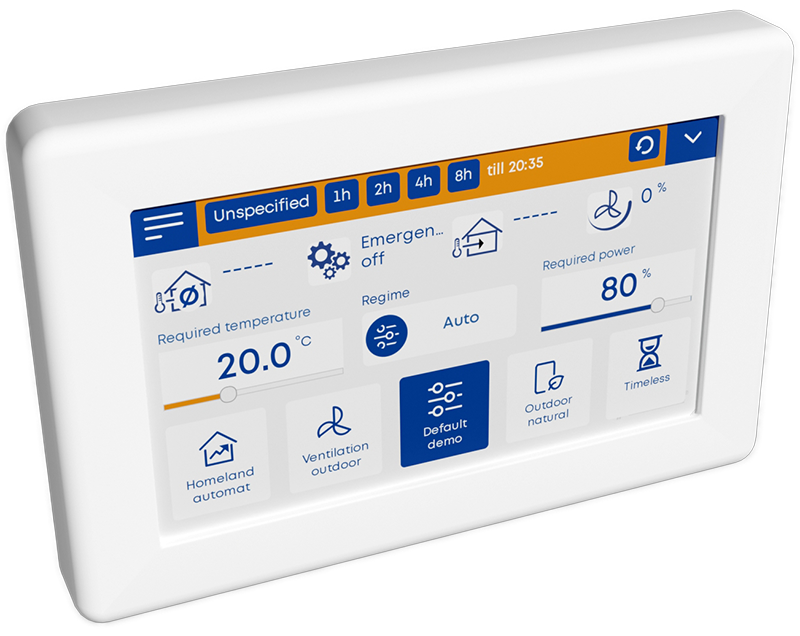
A color touchscreen provides easy and clear access to all ventilation unit settings.
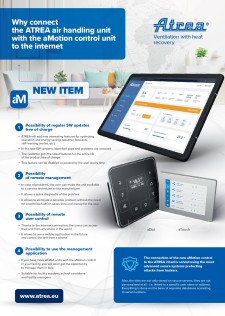
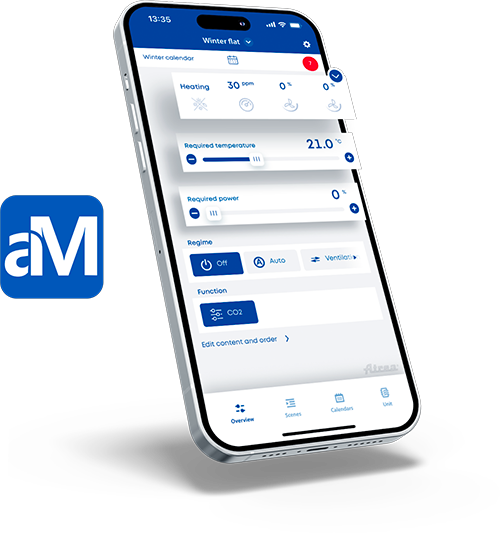
The ATREA aMotion mobile app allows you to manage and monitor your system remotely, whether you're at work or on the go.
Automated operation controlled by CO₂ and humidity sensors optimizes performance and lowers energy use.
aMotion is fully compatible with building management systems (BMS), ensuring flexible and seamless integration.
 The main idea was to create a universal control system that can be used for all ATREA products, with its modular hardware and software concept.
aMotion offers a user-friendly and intuitive web interface with new features. The control system can be operated from a computer or smart device (tablet, mobile phone), as well as via the modern aDot and aTouch wall-mounted controllers.
Basic access requires a computer with a standard web browser connected either directly to the unit, or via the cloud and the Internet.
The system allows the connection of an almost unlimited number of peripherals (controllers, temperature sensors, air quality sensors, actuators, etc.) via a bus interface with an autodetection function.

Control at Your Fingertips
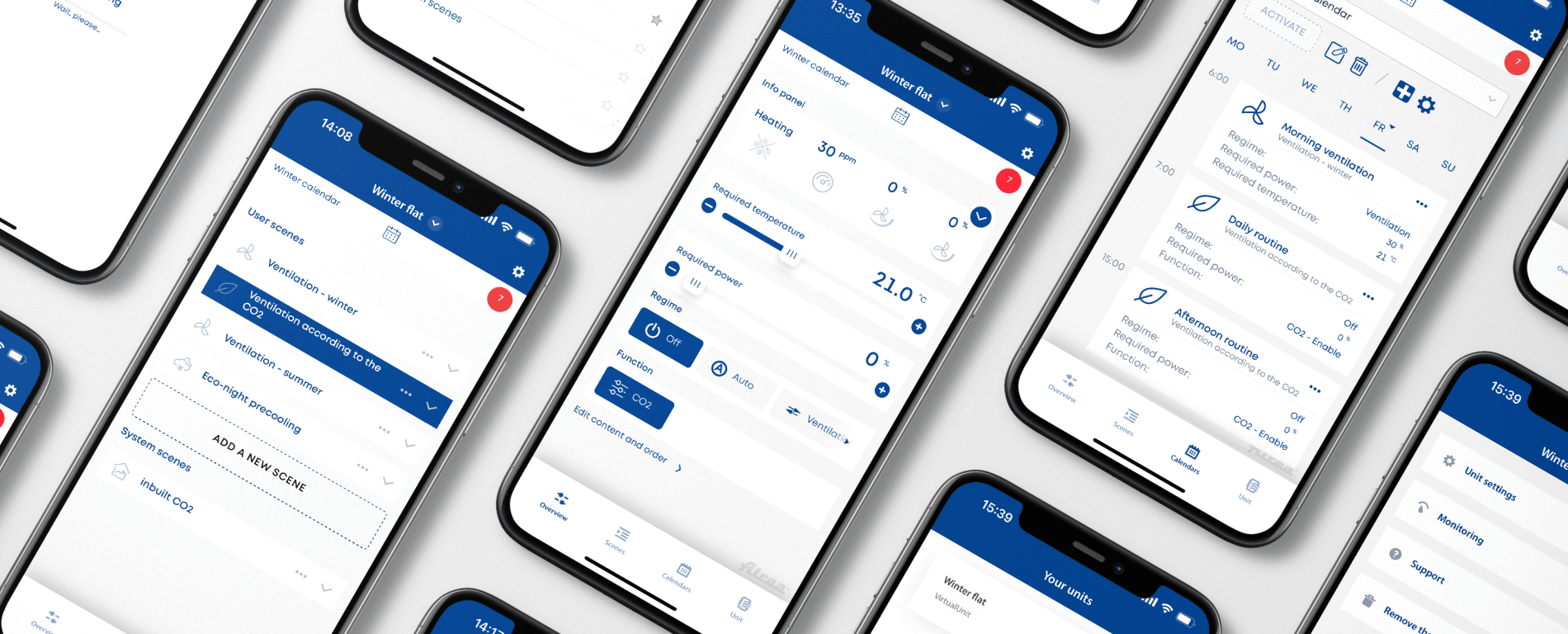
The app is designed to control air handling units equipped with the aMotion control system directly from your smart device.
The mobile app is a full-featured replacement for the aTouch wall-mounted touchscreen controller or the web interface accessed with a computer browser. It can also be used in combination with controllers, such as the simple aDot wall-mounted controller, providing a practical and cost-effective solution for controlling your air handling system.
Control your air handling unit with this app from anywhere in the world thanks to the Internet connection and our cloud service. Alternatively, use the app for local control of your air handling unit at home even without an Internet connection. The app also allows you to manage multiple units from your cloud account or local network.
aMotion App QR Code
Android
aMotion App QR Code
iOS
Examples of functions available through the mobile app:
This app is provided free of charge to all customers with DUPLEX units equipped with the aMotion control system. The cloud account, which enables Internet connectivity with the unit, is also provided free of charge by ATREA.
The aMotion digital control system represents the most advanced way of controlling ATREA DUPLEX air handling units. The system provides all essential control functions for the internal components of the air handling unit while also offering a wide range of additional inputs and outputs for integration of optional peripherals.
Amotion
Download the app today


Video
Get the most out of your ATREA units with maximum comfort using the aMotion app.
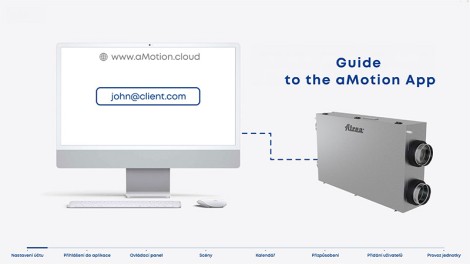
The video on the left serves as a practical guide to registering and setting up an account on the amotion.cloud portal, which is required to control DUPLEX air handling units equipped with the aMotion control system.
Step by step, it demonstrates how to log in to the mobile app, navigate the control dashboard, configure scenes and schedules, customize the app interface to your preferences, and manage users, such as adding family members or colleagues.
Multiple Unit Management

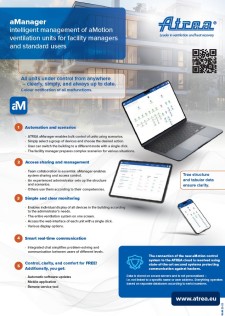
aManager enables easy real-time monitoring and control of multiple devices using scenarios in a clear graphical environment. Thanks to color indication and tree view, it allows quick control of the entire system.
Accessible on desktop and mobile, aManager lets you share system control, manage user rights, and communicate via integrated chat, completely free of charge for ATREA customers.
Service Tool

aTool is primarily intended for certified service technicians, but it can also be used by users with administrator rights for the respective air handling unit for advanced technical settings.
aTool is used for commissioning, advanced configuration, troubleshooting, monitoring service parameters, data backup, and other functions.
Use of aTool by an uncertified user may result in a breach of warranty conditions.
Use of aTool requires the creation of an account on the ATREA cloud.
To install, select your operating system:


aMotion-enabled units
The following list contains ATREA air handling units for which the aMotion control system is designed. The list is divided into categories according to the application of the unit.
The suitability of the control system may vary depending on the accessories used with the unit. The availability of the control system in a specific case must be verified in the ATREA design software.
Ventilation of civil and industrial buildings
DUPLEX 1400–15100 Basic
DUPLEX 1400–15100 Basic-N
DUPLEX 1400–10100 Basic-V
DUPLEX 500–11000 Multi
DUPLEX 1500–11000 Multi-N
DUPLEX 1500–8000 Multi-V
DUPLEX 500–9000 MultiEco
DUPLEX 1500–9000 MultiEco-N
DUPLEX 1500–6500 MultiEco-V
DUPLEX 1500–15000 Roto
DUPLEX 1500–15000 Roto-N
DUPLEX 1400–2400 Silent-N
DUPLEX 500–3500 Flexi-V
DUPLEX 650–6000 Flexi 3
Ventilation of family houses and apartment buildings
Ventilation of schools
Ventilation and air conditioning of (large) kitchens